This one needs a little setup, since it’s about nicotine pouches and 3D printer settings, and I’m guessing not a lot of people are into both.
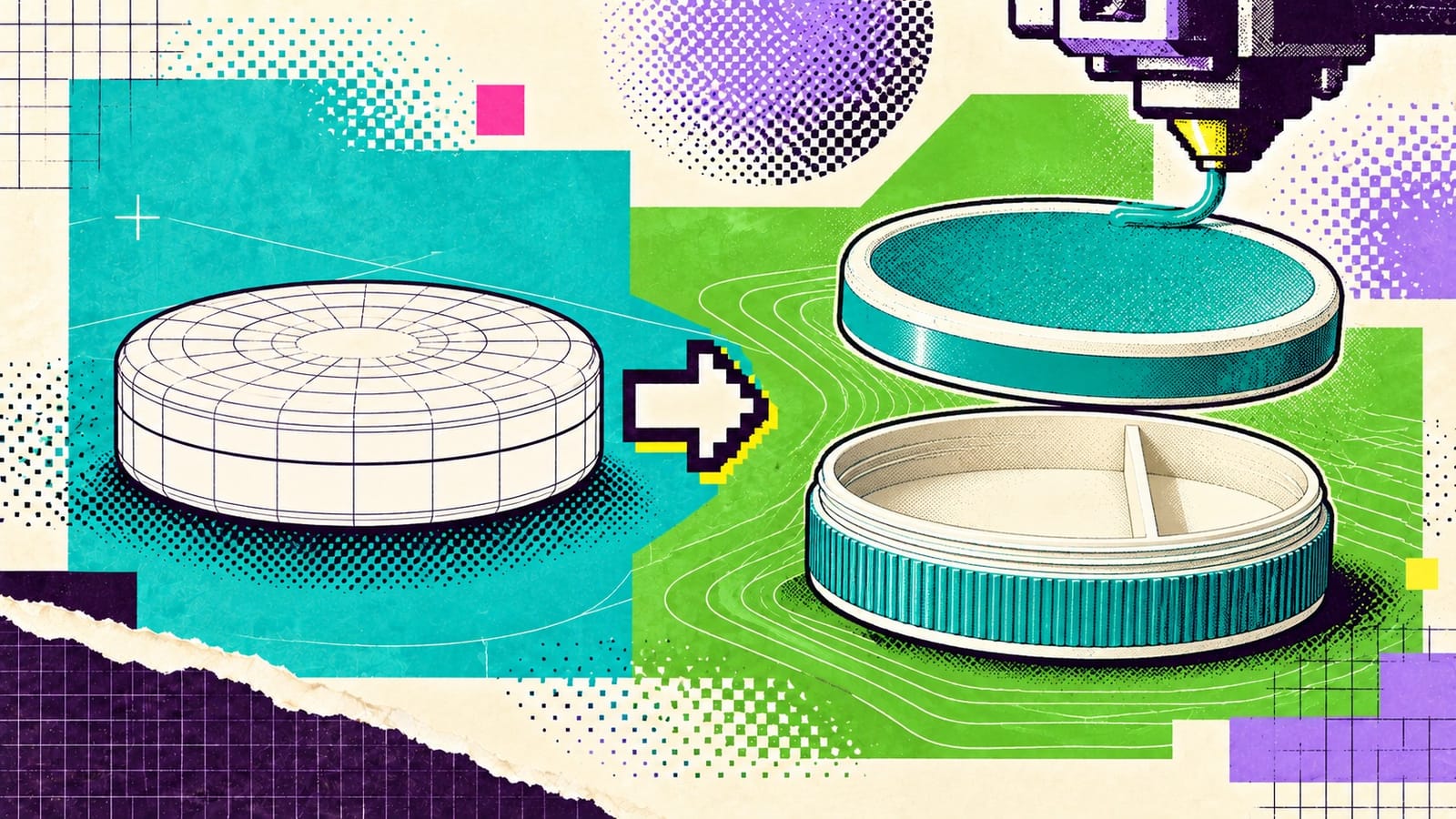
Zyn is a brand of nicotine pouches, the little white ones you tuck under your lip. They come in a small round plastic can. The threaded Zyn container is my printed version of that can. It’s the same diameter and depth as the real one, so it fits anywhere the real one fits, but the lid screws on, and the inside is split: two-thirds for fresh pouches, one-third for used ones or a second flavor. Two parts, a base and a lid. No glue, no magnets.
It was the first Zyn container I published, and one of the first things I ever modeled. I got into Game Boy modding around 2022 and 3D printing came right after, so I hadn’t been drawing my own stuff for very long. I made it because I thought it’d be neat to have a styled one, and a place to keep your discards. I go through a lot, so it’s not always convenient to find a trash can.
The outside of it has a ribbed grip texture. I didn’t put that there. That’s the whole story, kind of, but it makes more sense if you know how a print actually happens.
Shape and settings
You draw the thing in a 3D modeling app, which people call CAD. I use Shapr3D. Then you export the shape, usually as an STL file, which is just the outside surface of the object described as a mesh of tiny triangles. It doesn’t know anything about how to print it, it’s just the shape.
That file goes into a slicer, which is a program that cuts the model into thin horizontal layers and works out where the nozzle goes on every one of them, and how much melted plastic comes out along the way. It’s where you pick everything: layer height, how many walls, how much infill. Infill is what’s inside a part. Most prints aren’t solid, they’re a couple of outer walls with a sparse pattern filling the middle so you’re not burning plastic on stuff nobody sees. This can is two walls and 15% infill, which is pretty normal. It’s a lot of knobs for a plastic can, but that’s how it goes.
Save all those choices and you’ve got a print profile. MakerWorld is the model-sharing site run by Bambu Lab, the printer company, and it lets you upload your profile right next to the files, so somebody else can hit print and get the settings you used.
And those settings can change what the outside looks like, since the slicer decides how every line of plastic goes down.
The test print
I modeled a smooth wall. The test print had ribs on it. I looked at it, said fuck it, that’s cool, and kept them.
The difference turned out to be a setting the slicer calls infill gap, in its Other tab. It was at 100% instead of 150%. Which is a little backwards, since I just told you infill is the stuff on the inside, and here’s an infill setting putting ribs on the outside wall.
How it got to 100%, I don’t know exactly. Either I messed with the settings by accident, or I dropped the STL into some other model’s print profile because that model’s file was already open and I didn’t realize. No idea which.
I never thought about going back and modeling the ribs into the file, either. The STL, STEP and OBJ on MakerWorld are all the smooth can I drew. OBJ is just another common 3D format, and STEP is the one you’d want if you’re going to edit the actual shape. Print from my profile and you get ribs. Slice the raw STL with your own settings and the wall comes out plain. If you want to remix it, which is MakerWorld’s word for making your own version of somebody’s model, and you want the ribs back, infill gap at 100% is the setting I know is different, so that’s where I’d start. Or just print from the profile.
It’s a little funny to me that the outside I liked better than the one I drew isn’t in the model at all.
Printing one
It’s printed in PETG, one of the standard printing plastics, at 0.16 mm layers, and takes about three and a half hours. No supports, either, so the slicer doesn’t have to build any throwaway scaffolding under overhangs that you’d snap off after. The threads are printed too, so they’re tight for the first few opens. Give it some turns and a rinse and they loosen up.
People have done it in ABS, and in clear PETG with a colored lid, and the two-tone ones look good.
What’s stuck with me from the comments is how well received it is. As of September 8 it had a 4.9 from 51 ratings, with 95 comments, and 490 people had saved it. I’ll take it.
The one that stuck with me was a guy who printed a set for the guys at his fire station, and said they were stoked. My listing even says a fire department fundraiser is exactly the kind of thing I’m happy to see. The license is non-commercial, and I don’t want people selling them on Etsy as their own, but that’s a whole different thing. It made me really thrilled that I somehow got to help some community firehouse just by making some dumb shit. In some small way I got to contribute without even trying.